Import Workflow
By RangeViewr · March 9, 2025
Get solver output into RangeViewr in seconds. Whether you use GTOWizard, HRC or any solver of your choice, the import workflow is the same: paste, visualize, compare, share.
Import GTOWizard Ranges
Import GTOWizard ranges to bring your solver output into RangeViewr. Compatible with any NLHE configurations. Paste directly from your solver and visualize instantly.
Import HRC Ranges
Import HRC ranges for push/fold, ICM spots or asymetric ranges. HRC (Holdem Resource Calculator) output has its own format > RangeViewr's parser handles it. Build the biggest library of MTT spots with your study group.
The Workflow
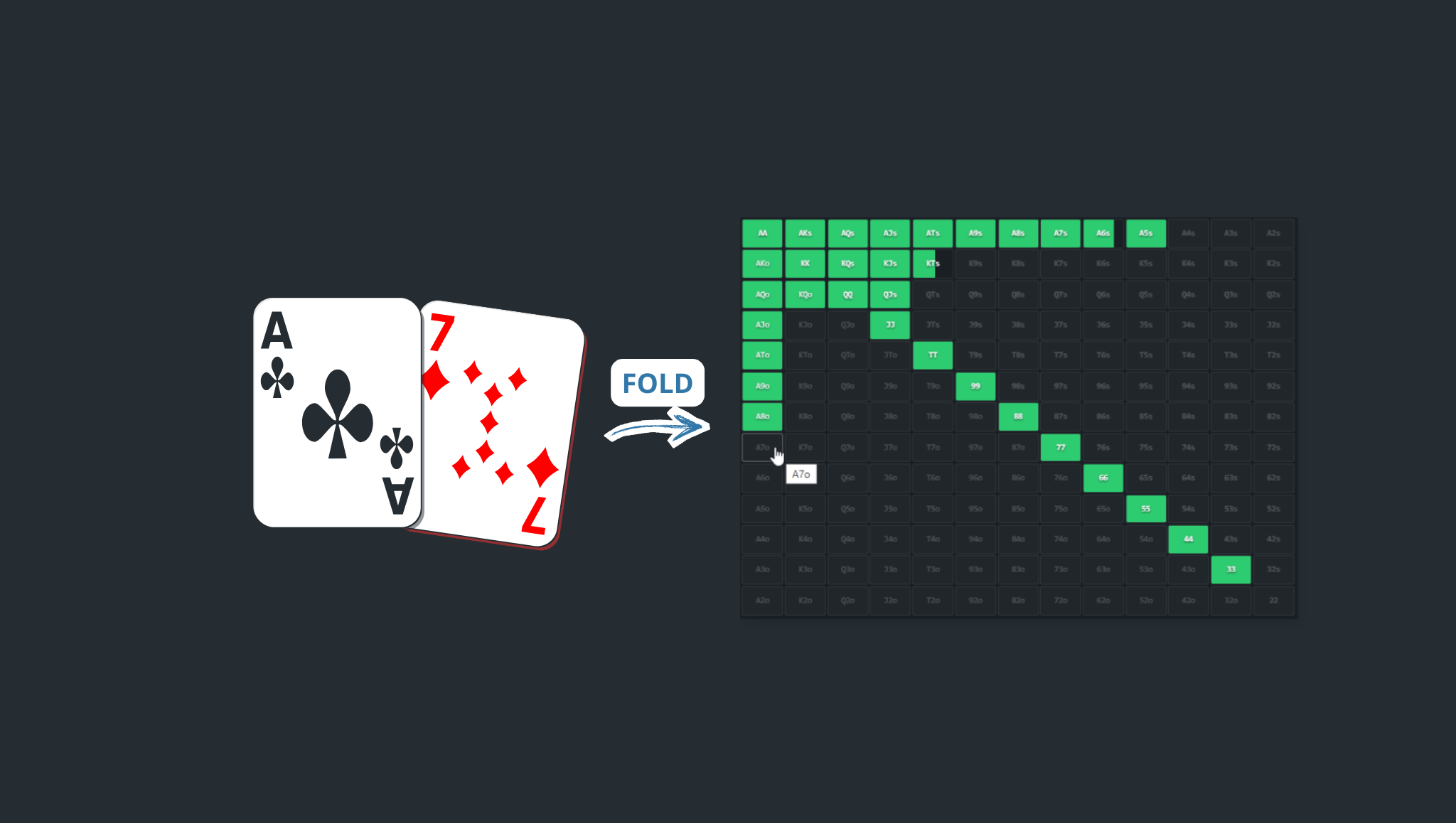
Import → visualize → compare → drill. The goal is internalizing optimal ranges so you act without lookup. RangeViewr makes the gap between solver output and in-game recall as small as possible.
FAQ
- Which solvers does RangeViewr support?
- RangeViewr supports all solvers, HRC included. Paste your solver output and it parses into a visual range you can modify and share.
Ready to crush Preflop ?
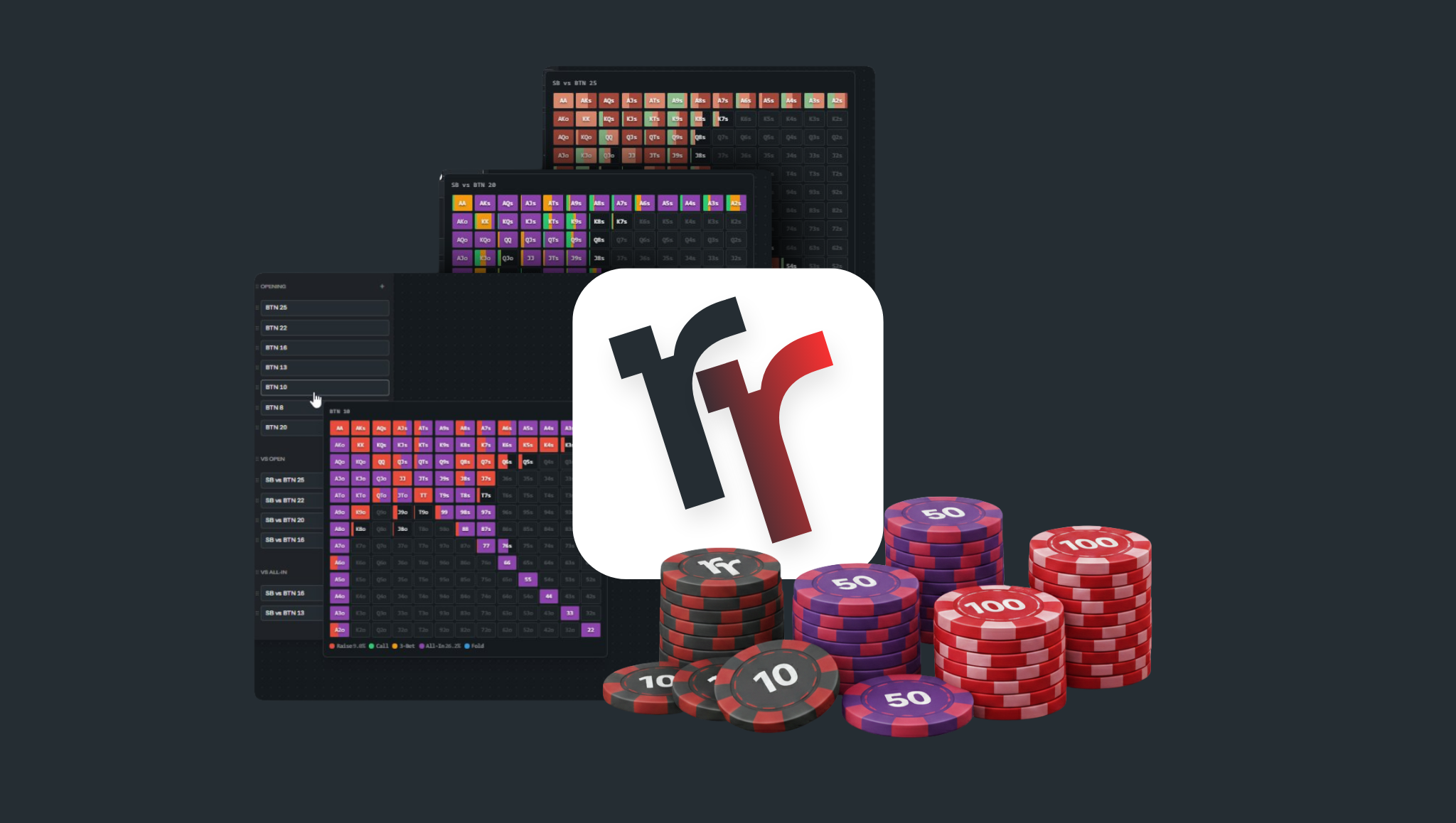
Import from GTOW or HRC, visualize with SnapView, compare side-by-side. RangeViewr makes the gap between solver output and in-game recall as small as possible.
Try RangeViewr